Deploy & operate
Admin GUI
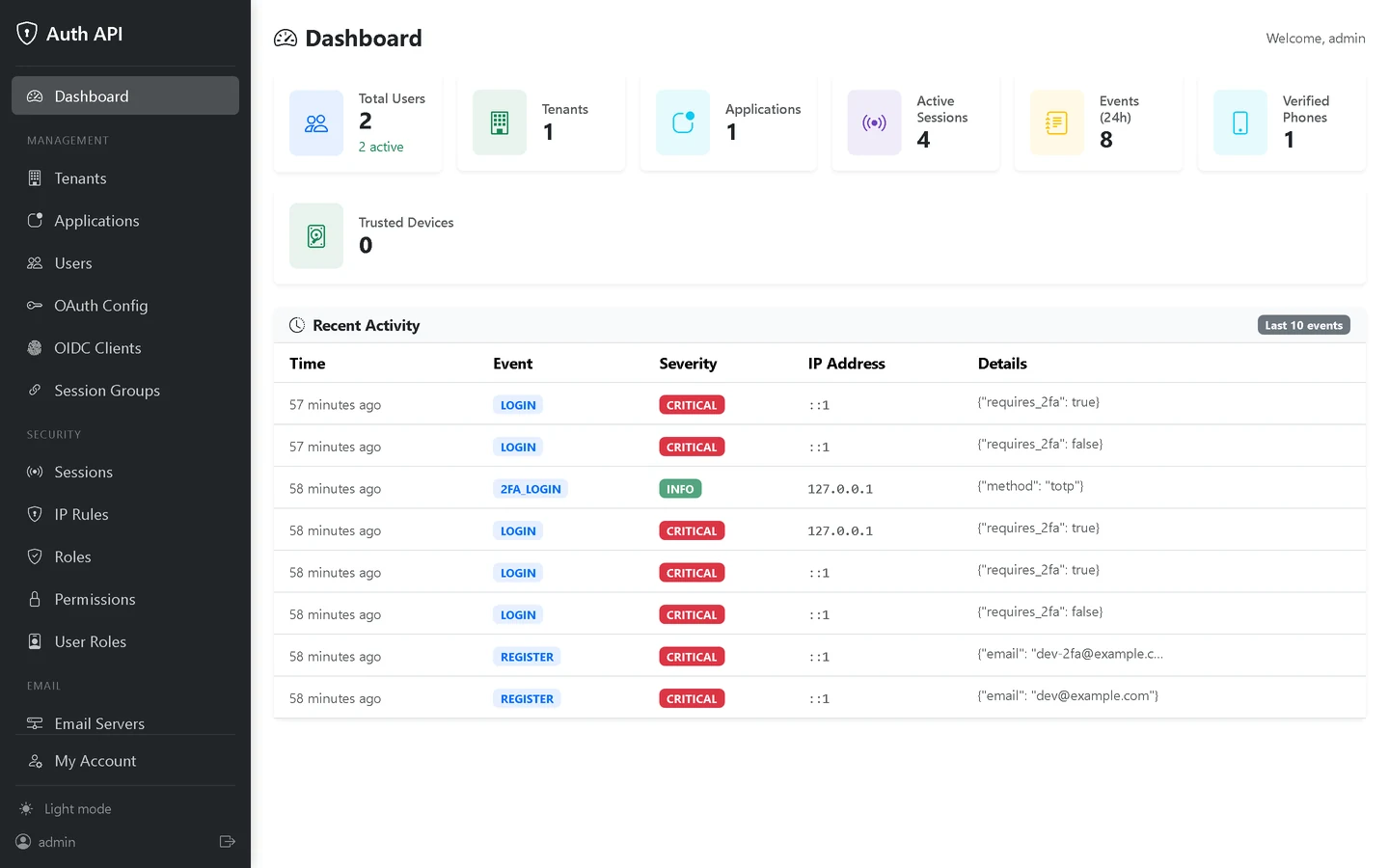
The API ships a server-rendered admin interface (HTMX, no build step) on /gui. It is the fastest way to operate tenants, applications, users and email templates without writing SQL.
Creating the first admin
make setup-admin
# non-interactive:
go run ./cmd/setup -username admin -password 'a-strong-password' -email admin@example.com
Admins are stored in admin_accounts — a separate table with its own bcrypt cost-12 hashes, its own sessions and its own 2FA. They are not application users: an admin cannot call /profile, and an application user cannot log into the GUI.
Signing in
- Open
/gui/login. - Optionally use a passkey, a magic link, or 2FA (TOTP/email) configured in My Account.
- Sessions expire after
ADMIN_SESSION_EXPIRATION_HOURS(default 8).
The GUI protects state-changing requests with a CSRF token and rate-limits login attempts per IP.
What each page does
| Page | Use it for |
|---|---|
| Dashboard | Counts (users, tenants, applications), recent activity |
| Tenants | Create tenants; see how many applications each owns |
| Applications | Create/edit applications: branding, password policy, 2FA policy, token TTLs, brute-force overrides, OAuth providers, frontend URLs |
| Users | Search, inspect, deactivate, unlock, revoke sessions, delete; import/export CSV |
| Roles / Permissions / User Roles | RBAC per application |
| Email Servers | SMTP configurations (global or per app) and test sends |
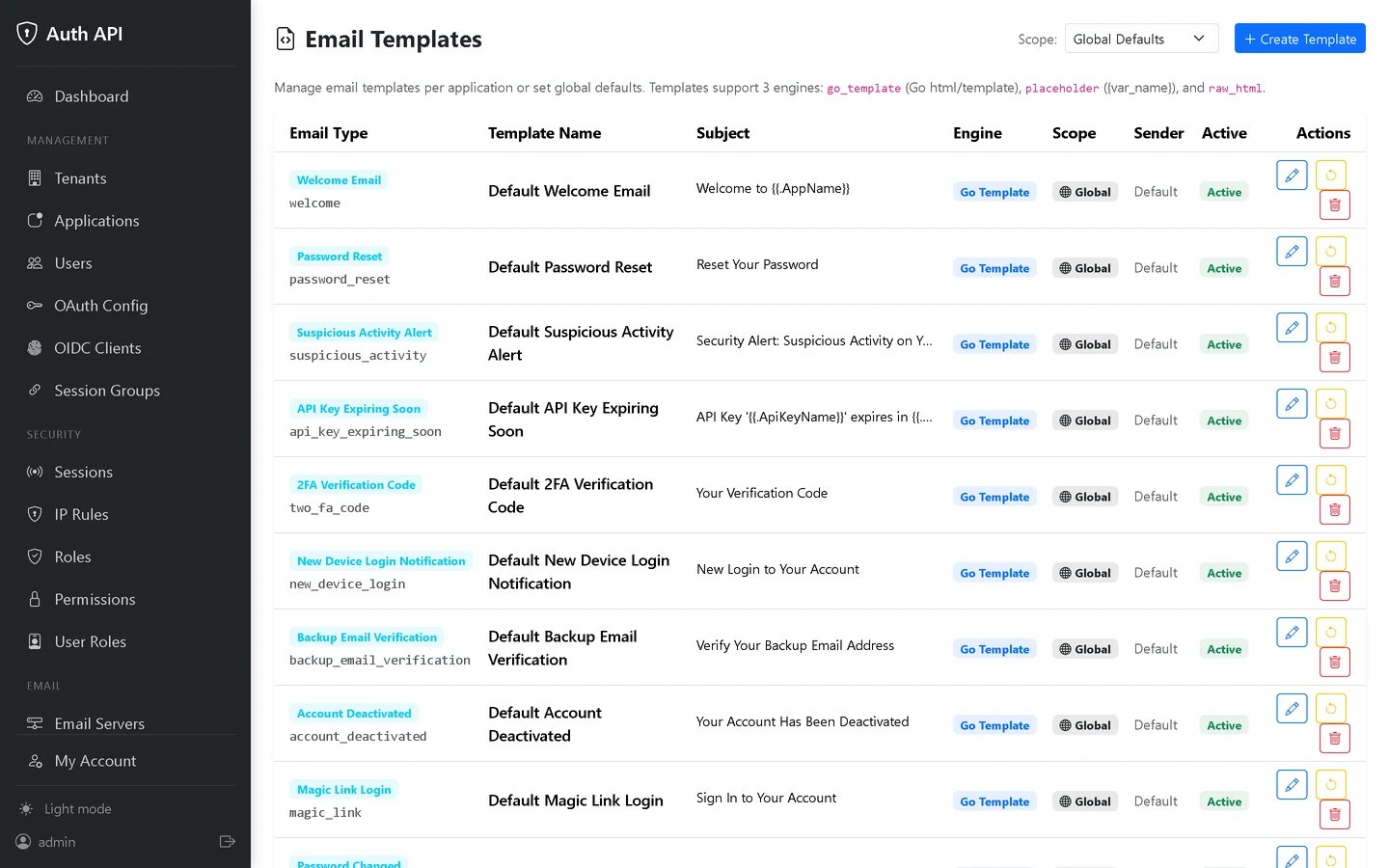
| Email Types / Templates | The template registry, the editor with variable hints and live preview |
| Webhooks | Endpoints, events, deliveries |
| OIDC Clients | Clients for the built-in OIDC provider, secret rotation |
| Session Groups | Cross-app SSO groups and their member applications |
| Sessions | All active sessions per app; revoke one or all for a user |
| API Keys | Admin and per-app keys, scopes, expiry, usage |
| IP Rules | Allow/deny rules evaluated before authentication |
| Logs | Activity log with filters and CSV export |
| Settings | DB-backed settings (CORS, 2FA defaults, brute force, trusted-device cookie) with their source (env / DB / default) |
| Monitoring | Health of PostgreSQL, Redis and SMTP, plus Prometheus metrics |
| My Account | The admin's own password, email, 2FA, passkeys, magic link, backup email, trusted devices |
Application settings worth knowing
- Branding — logo URL, display name, primary/secondary colour and theme. Exposed publicly via
GET /app-config/:app_idand applied to the hosted OIDC pages. - Password policy — minimum/maximum length, character classes, history count, maximum age. Enforced on registration, reset and change.
- 2FA policy — master switch, required-for-all, allowed methods (TOTP, email, SMS, passkey), trusted devices and their maximum lifetime.
- Token TTLs — per-app access/refresh lifetimes;
0inherits the environment. - Brute force — lockout thresholds and durations, progressive delay, CAPTCHA; each can be overridden per application or left to the global default.
Everything here is a database override: an environment variable with the same name wins. Settings → Info shows the effective value and where it came from.
Settings precedence in the GUI
env > database (GUI) > defaultIf a change in the GUI has no effect, the value is set in the environment. This is by design — operators must be able to pin critical values outside the database.
Security notes
- The GUI session cookie is
HttpOnly; never expose/guion a domain you do not control. /admin/*JSON routes useX-Admin-API-Key, not the GUI session. RotateADMIN_API_KEYlike any other secret.- The GUI does not implement per-admin roles: every admin account is a superuser. Create one account per person, give each its own password and 2FA, and remove leavers.